Charging the Battery
To charge your device, follow these steps:
- Connect a USB‑C cable:
- Plug the device into a power source using a USB‑C cable.
- Turn on the device as you normally would.
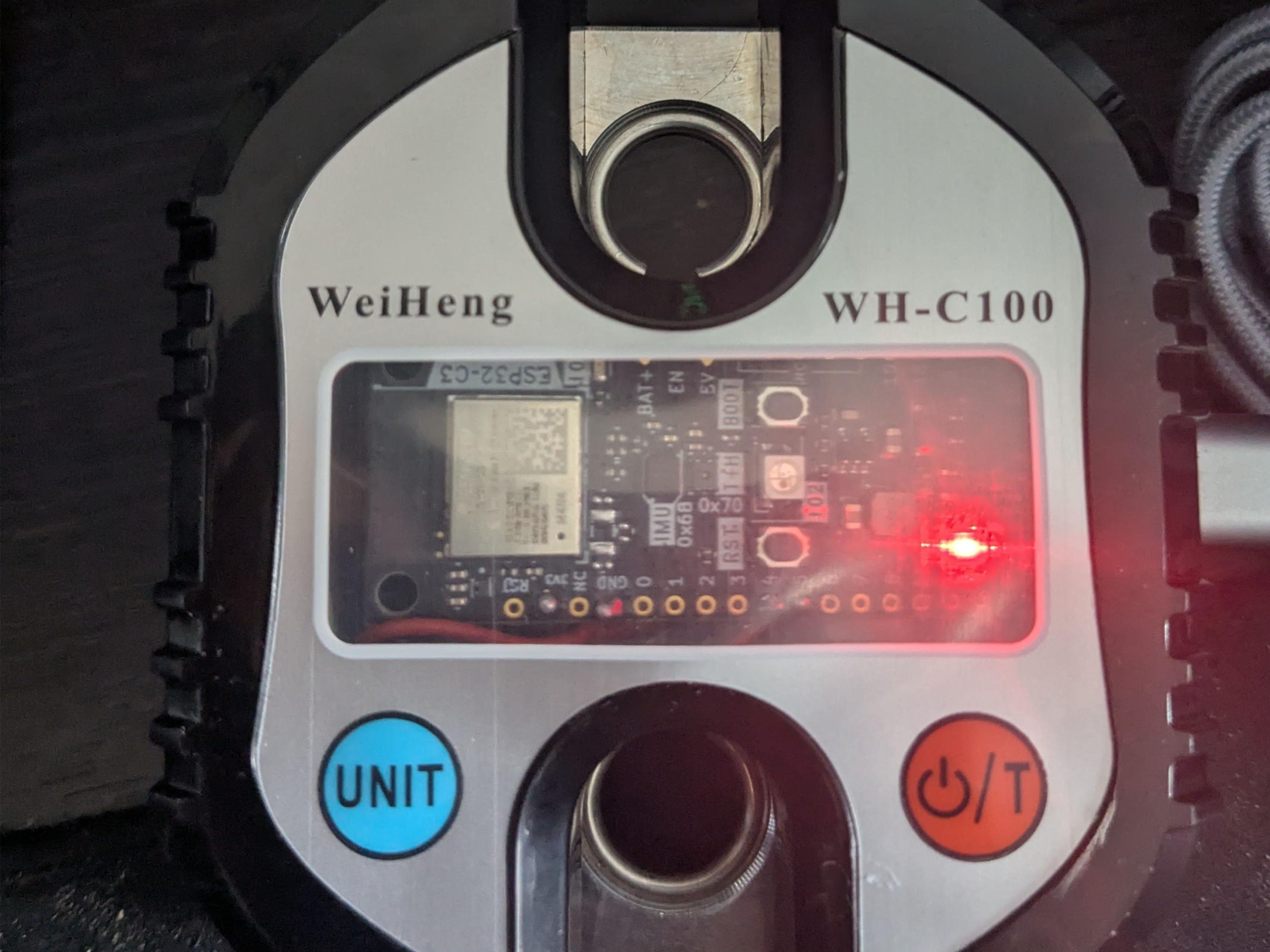
- A red LED will turn on, indicating that the device is charging.
- Wait for the charge to complete:
- When the red LED turns off, the battery is fully charged.
- You can now unplug the device and use it.